A meal planner for parents of children aged 6 months to 6 years
You tell it what is in the fridge, and it suggests menus that fit your child's age, eating style and allergies, then walks you through cooking them.
The name comes from pinto (ปิ่นโต), the stacked tiffin Thai mothers pack for their kids, and from pin: pinning tomorrow's menu to the fridge so the morning starts with a plan.
Feeding a small child is a daily design problem
What's in the fridge, what's safe for her age, and did she actually eat it? I tested early builds with parents. Each quote below became a change in the app.
“After I tap the fridge, the bottom menu disappears.”
“I wasn't sure each menu had a recipe. If it does, that's great, new moms would love it.”
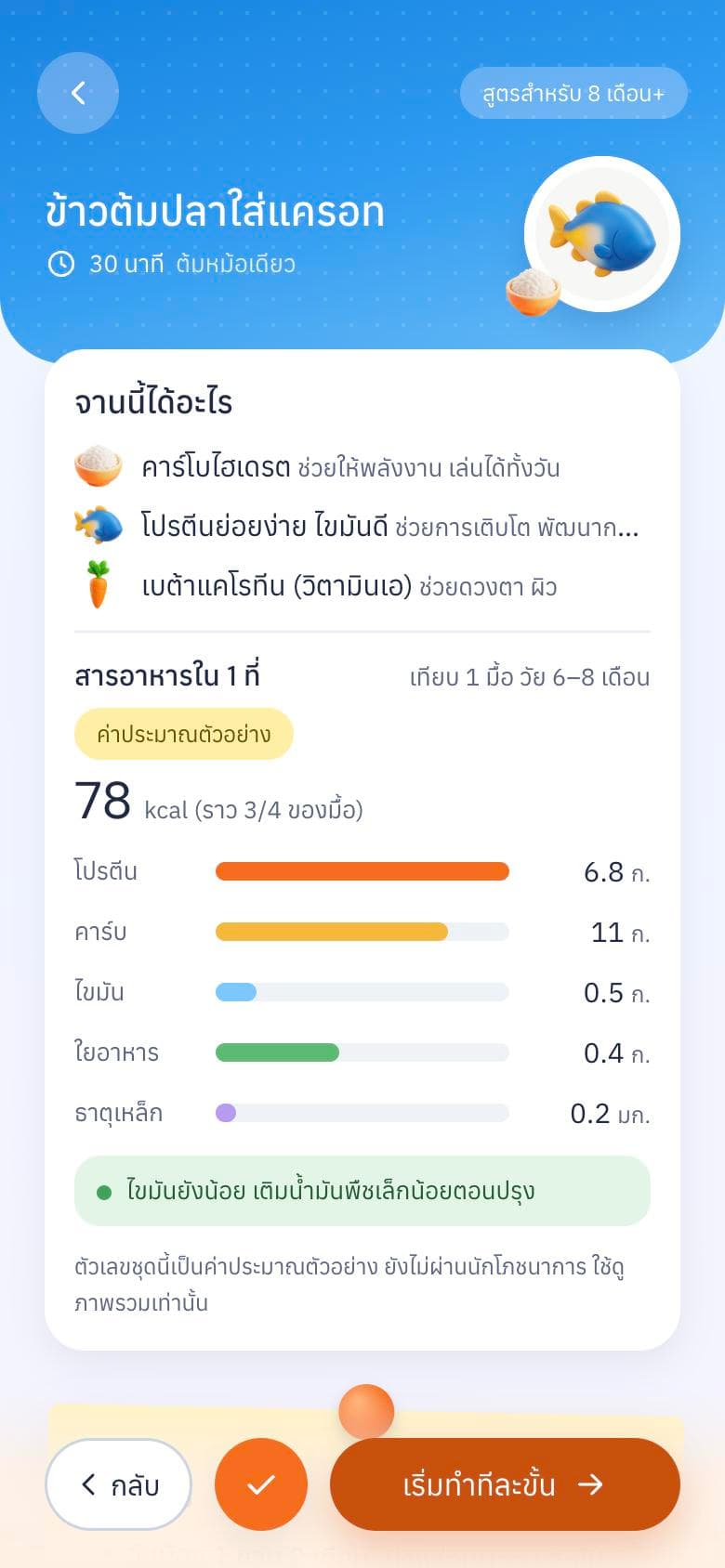
“Show carbs, protein, fat and fiber per menu, and use weight and height standards as an anchor.”
“It's cute and easy to tap. But chicken is missing from the fridge, haha.”
Translated from Thai.
From "what do we eat?" to a logged meal in five screens
The whole daily loop fits in five steps, so a tired parent never has to think about where to go next.
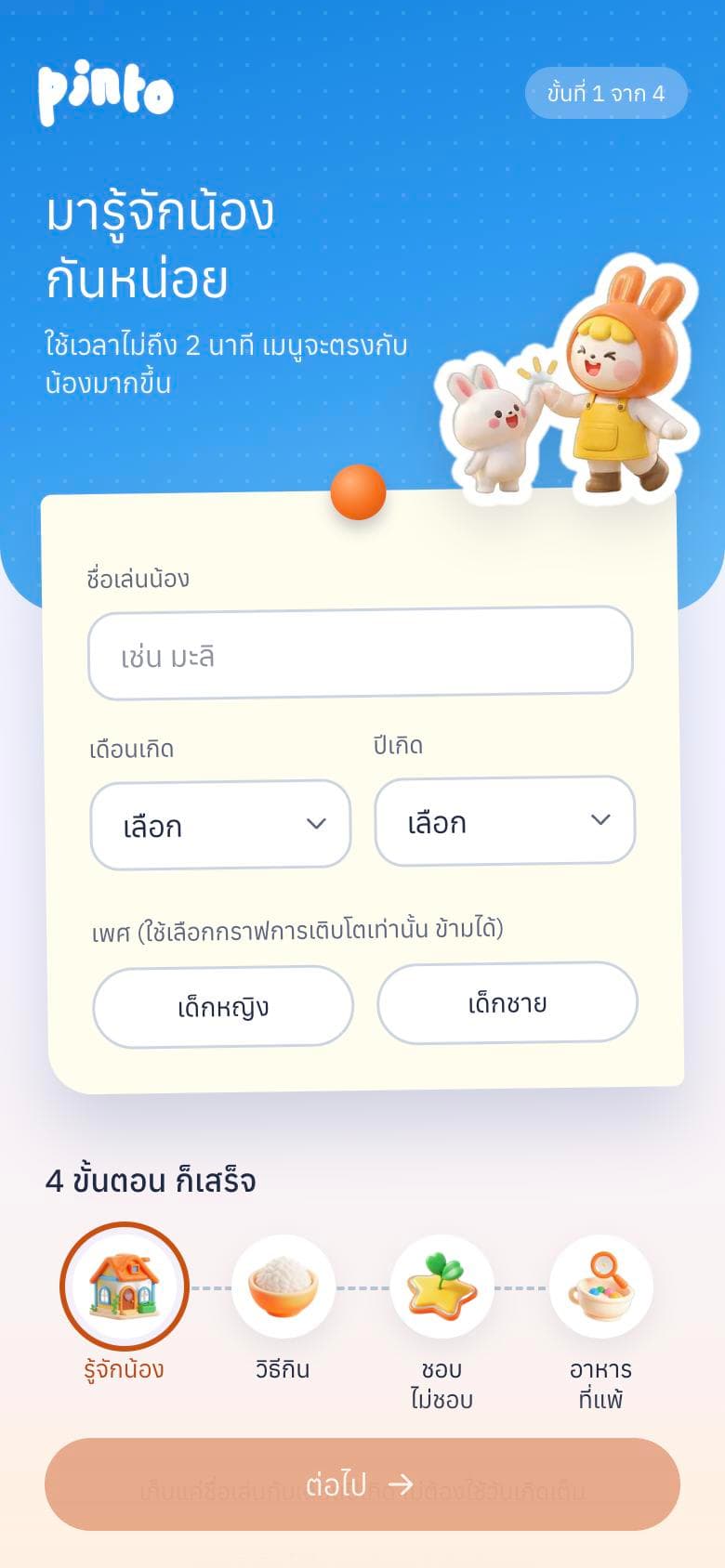 Step 1Meet the child
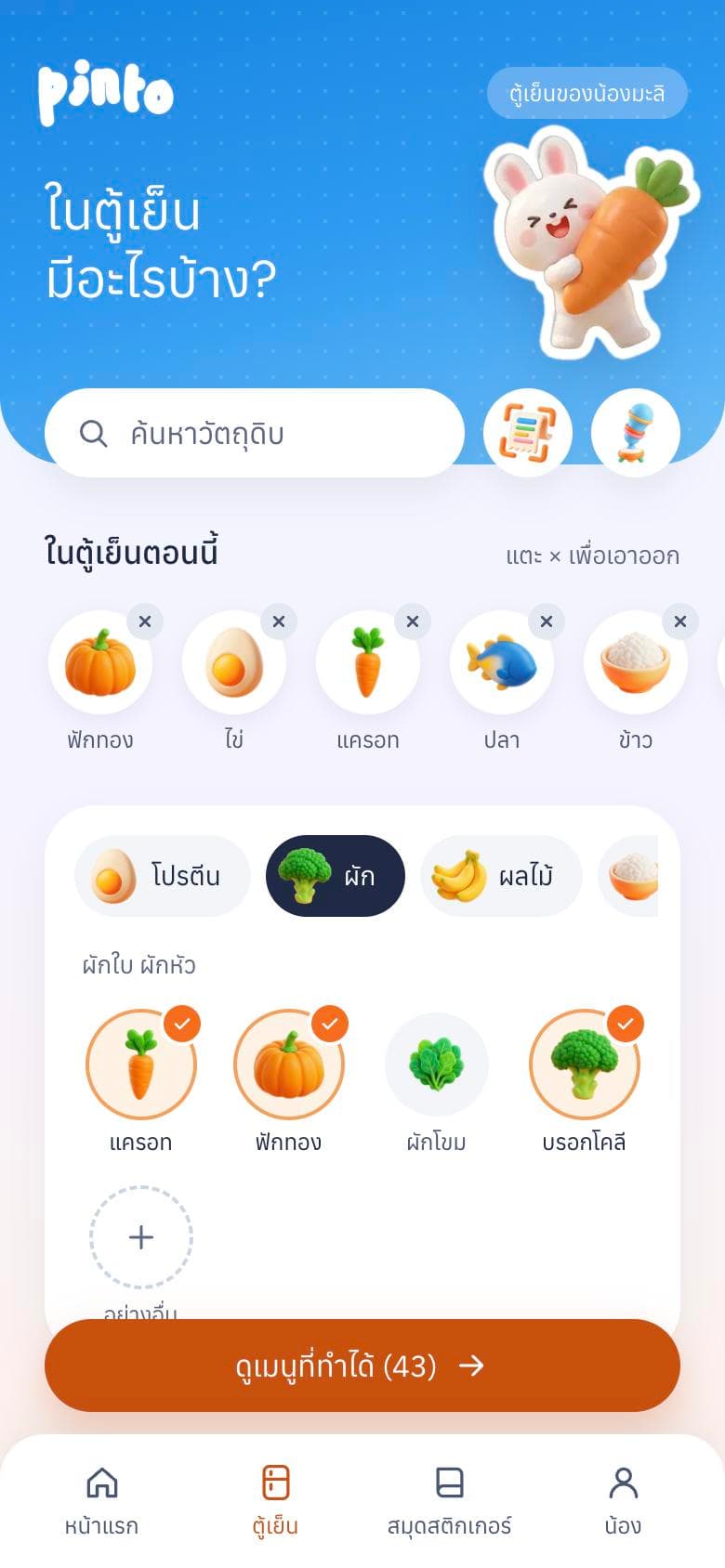 Step 2Open the fridge
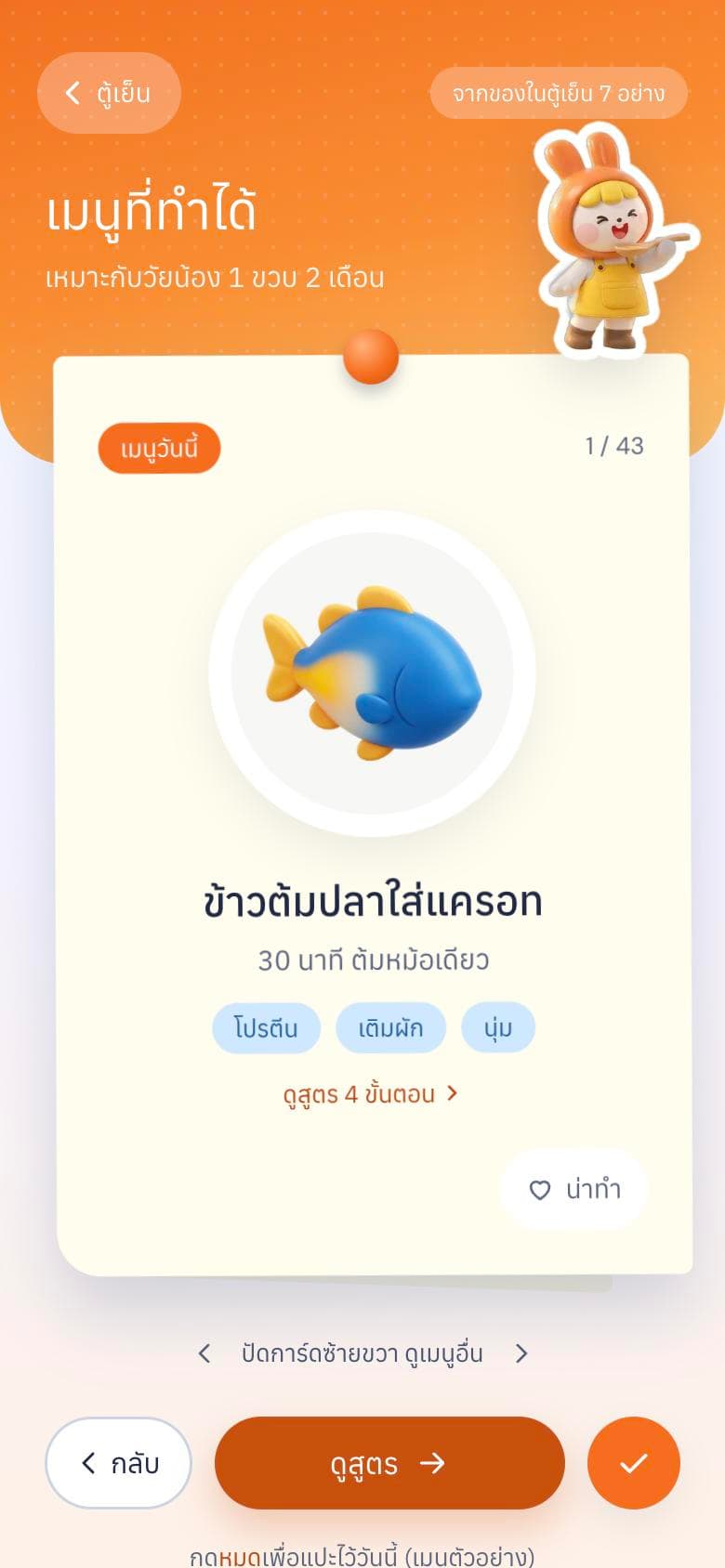 Step 3See what you can make
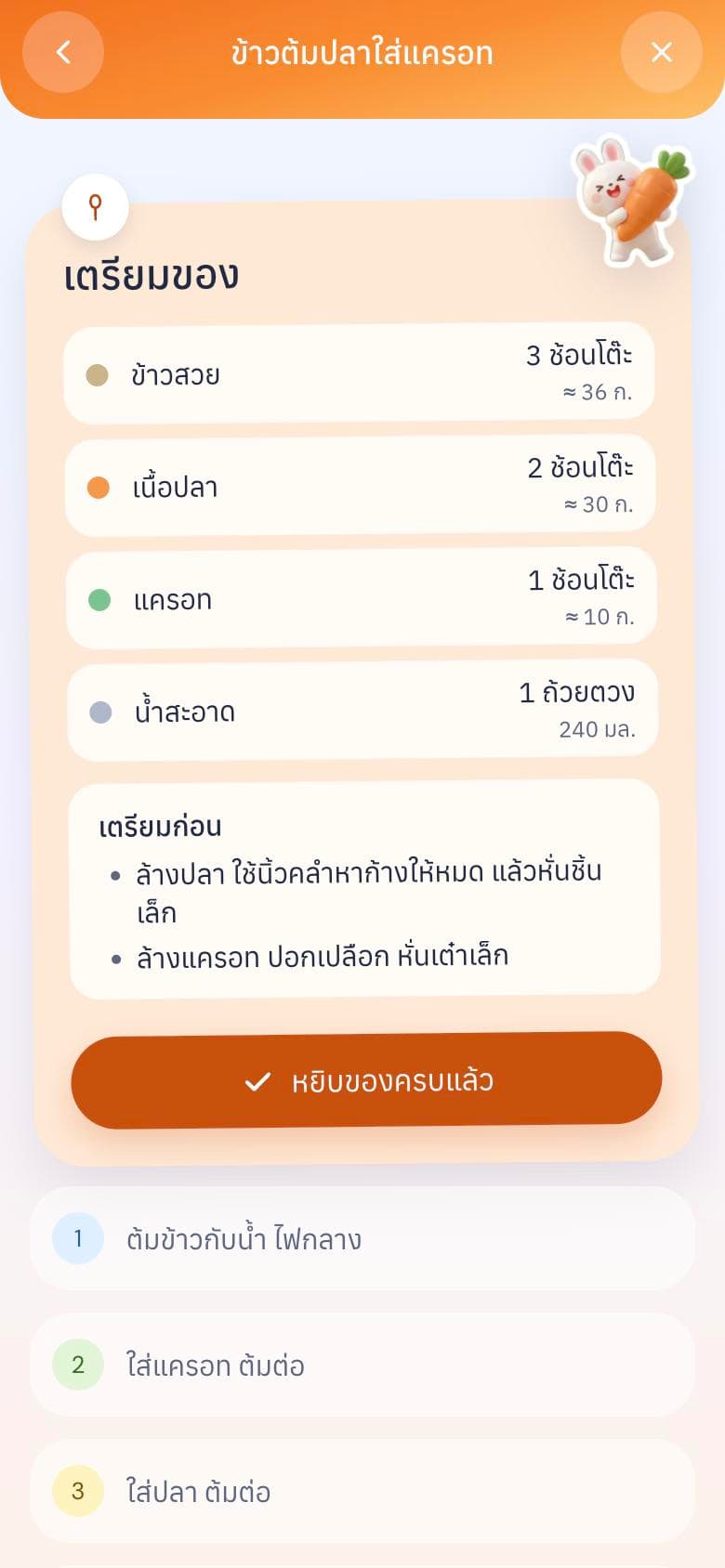 Step 4Cook step by step
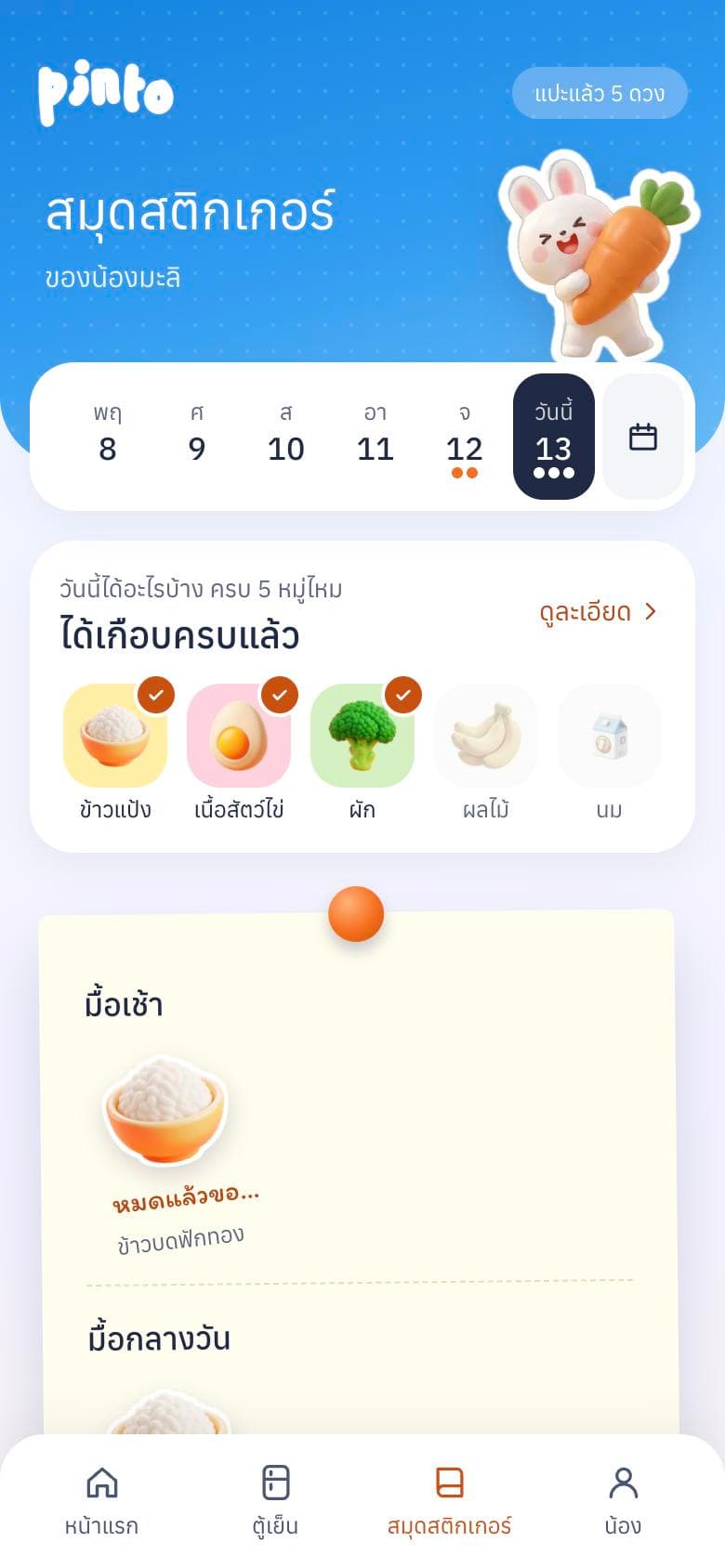 Step 5Log what she ate
Key features
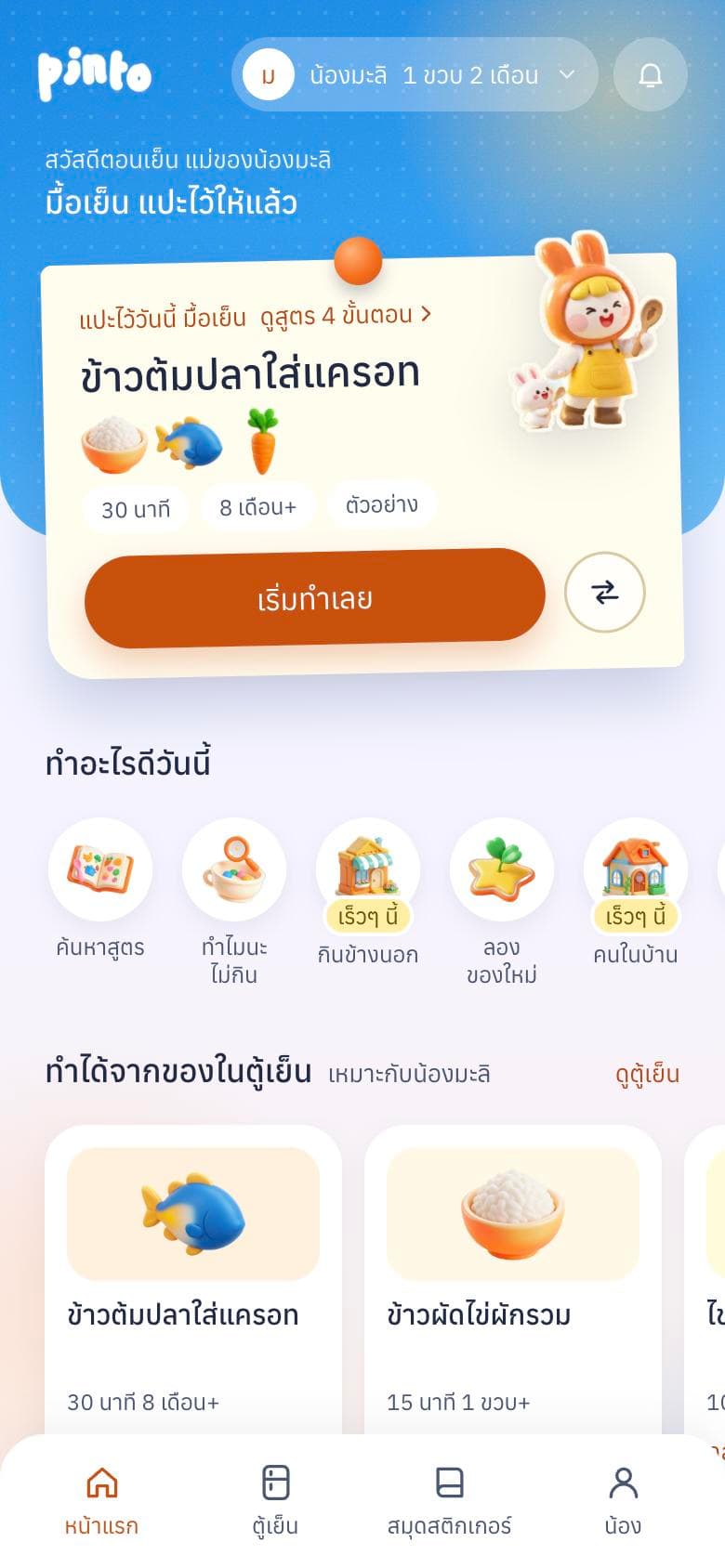
Start from the fridge, not a blank search box
Parents rarely plan from a recipe. They open the fridge and improvise. Pinto starts there, then shows only menus that fit the child.
- Ingredients grouped by category, three taps to fill
- Menus filtered by age, texture and seven allergens
- One menu per card, swipe for the next
Recipes written for a parent holding a spoon
Each recipe shows what the dish gives the child, an estimate of nutrients per serving, and amounts in household spoons and grams.
- Spoons and cups first, grams for anyone who wants precision
- Age notes: no salt, sugar or honey under one year
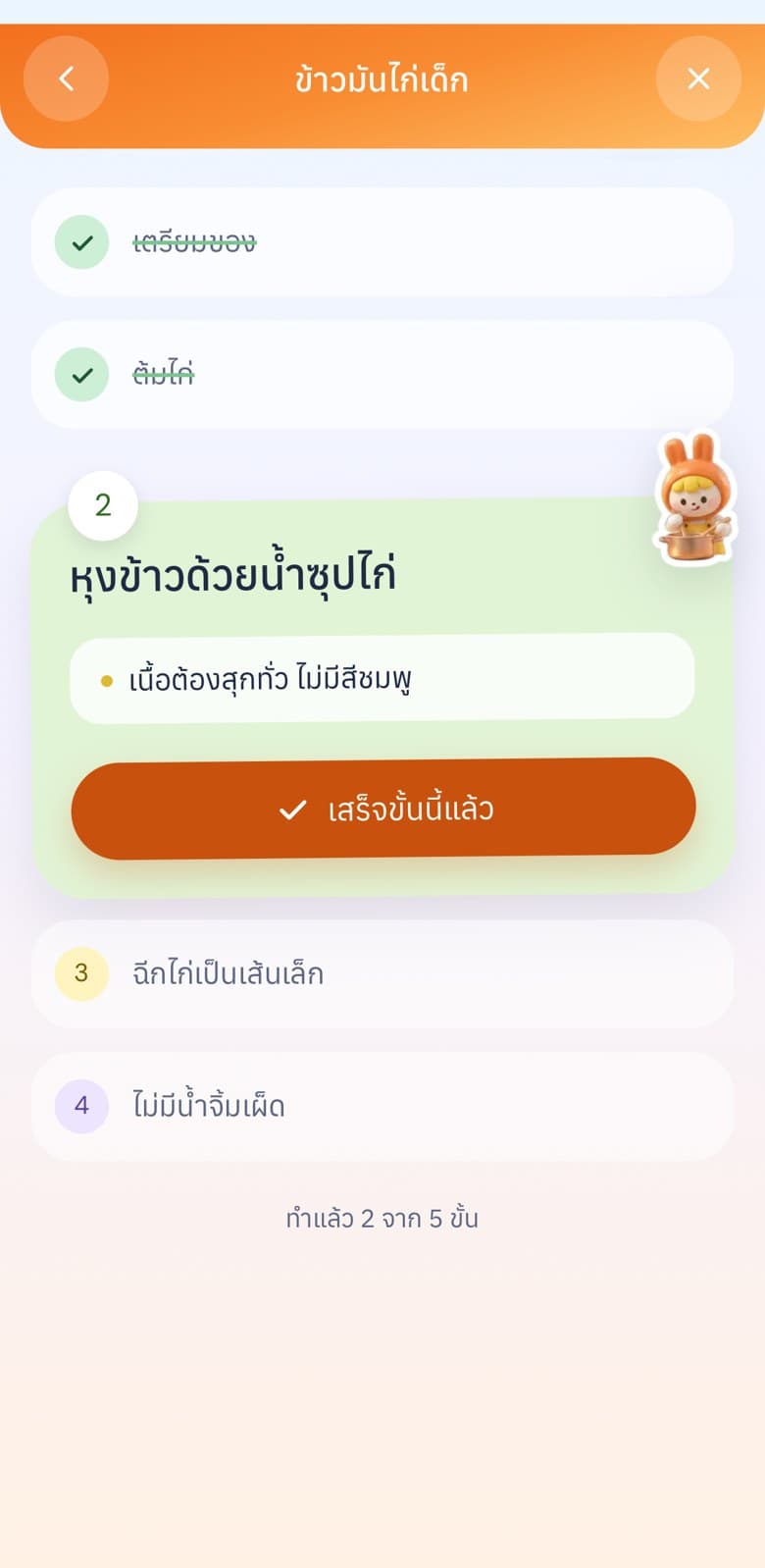
- Cook mode checks off one step at a time
Count what she actually ate, not what was served
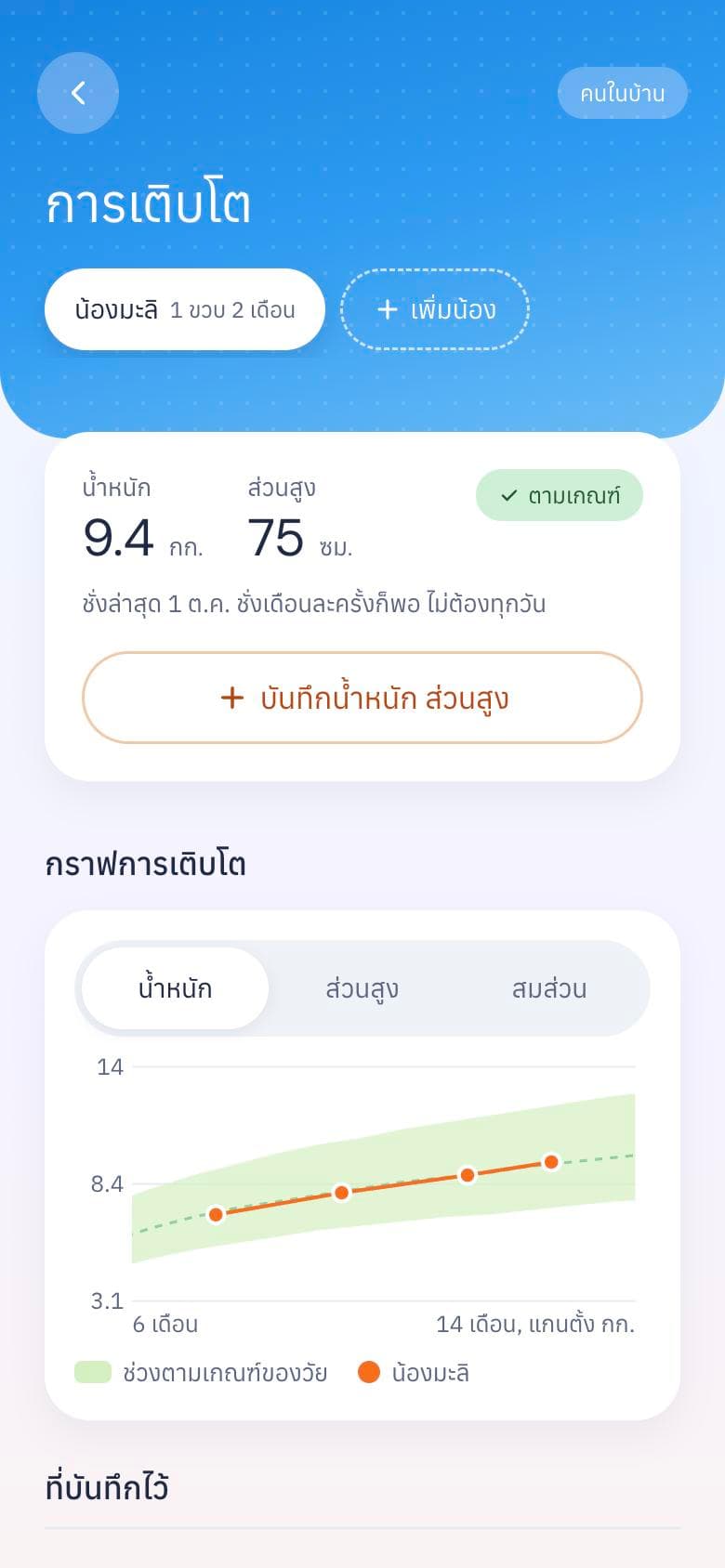
After the meal, parents pick a plate from 'didn't touch' to 'finished and asked for more'. The day adds up into five food groups and a growth chart.
- Sticker diary by day and meal
- Five food groups from real portions eaten
- Weight and height against WHO ranges, without judging the child

Testers said the cooking steps felt dry, so the steps got pictures
Before: a title and a safety note. No amounts, no time, no way to tell when it's done.
After: a size guide drawn against a fingertip, one-line actions, and a green "done when" check.

Built with a nutritionist in the loop
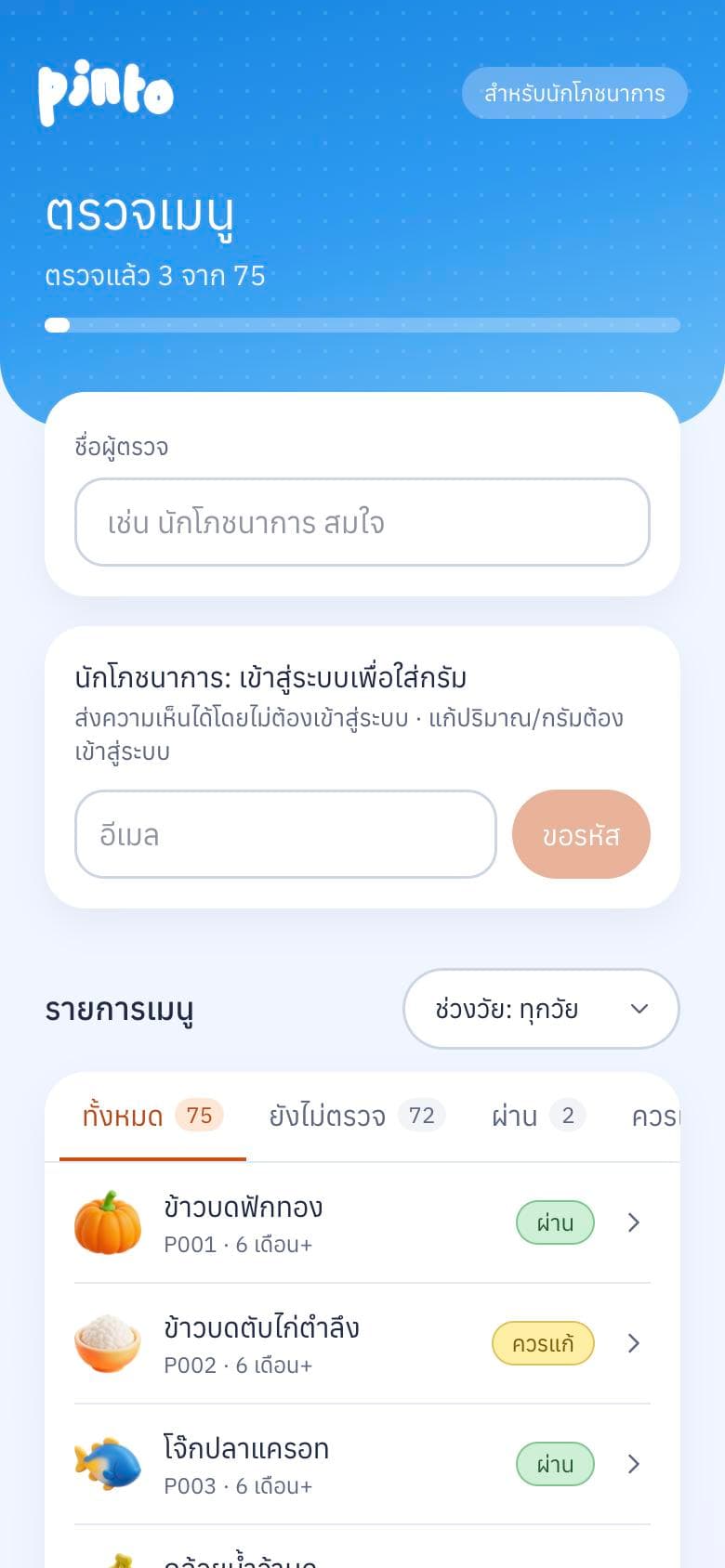
Food for babies has to be right. Nutritionists open a private page, mark every recipe as pass, needs changes or fail, and confirm grams, nutrient values and safe sizes per age. Parents only see the "checked by a nutritionist" label after that.
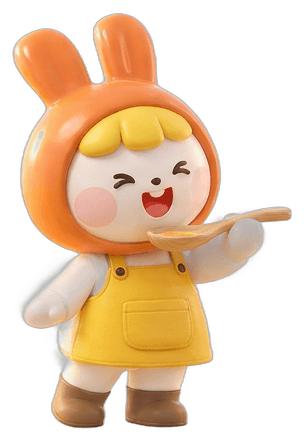
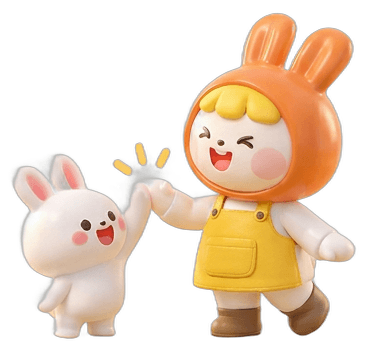
A mother rabbit and food you can read at 6 a.m.
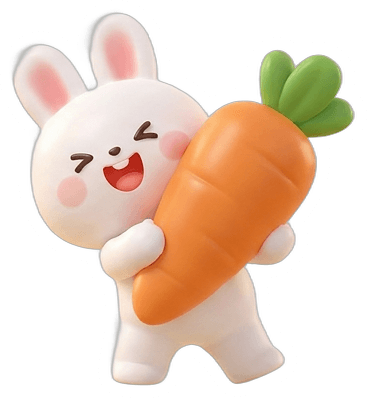
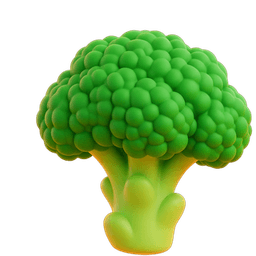
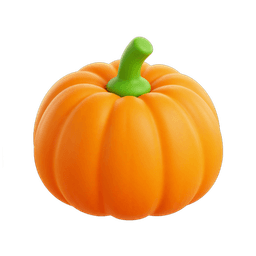
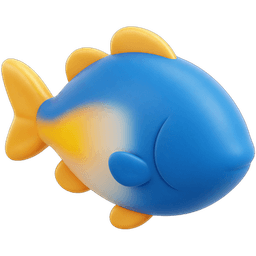
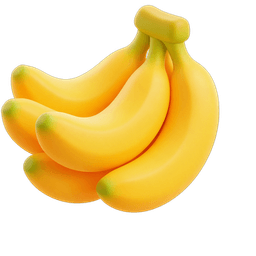
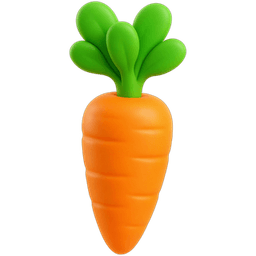
Mae Tai (แม่ต่าย), a mother rabbit in an orange hood, and her baby bunny show up only at the moments that matter: welcome, cooking, finishing a meal. The 3D food icons read at a glance for a tired parent. Type stays at 400–500, because heavy type felt like shouting at someone already busy.

What I learned
Directing AI is like directing a team: I set the direction for the character, images and prototype, reviewed every step and made the calls. Cuteness needs a rule too: one character moment per screen, and the rest is UI that works. Next: interview 10–20 more parents and get every recipe reviewed before the MVP.